Handling Duplicate Data in Azure Data Flows
Eliminating duplicate rows and retaining latest records using Aggregate and Window transformations in Data Flow.
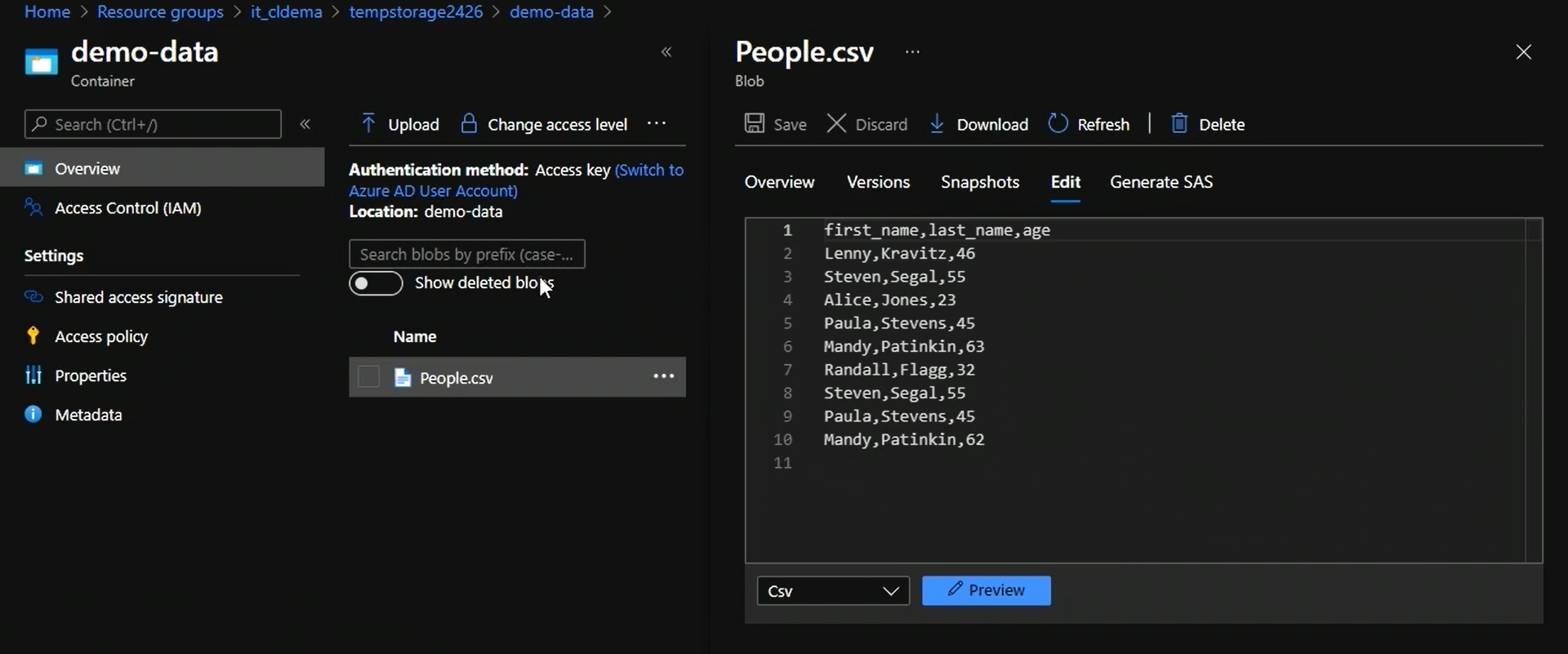
In this task, we are going to remove duplicates from a csv file present in a container.
Open data factory
1. Create linked service to blob storage
2. Create datasets for source and sink
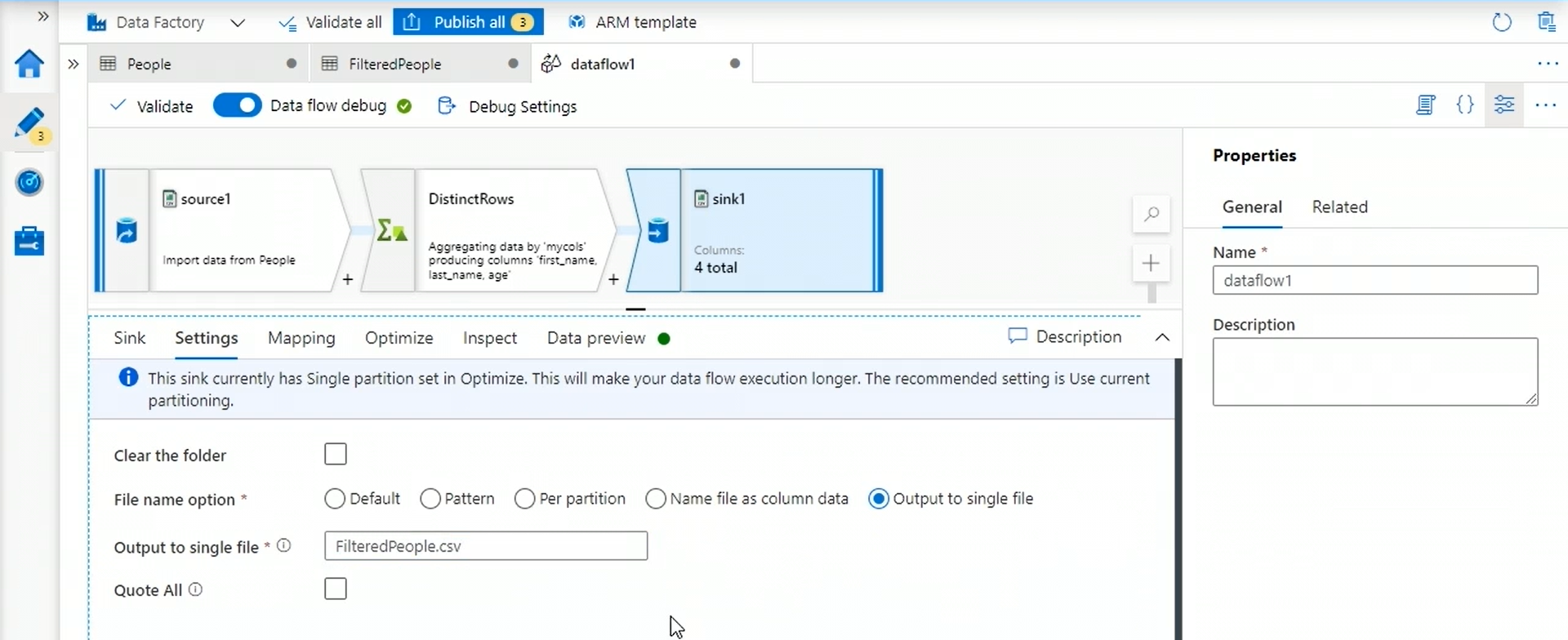
3. Create new data flow
We can modify the data flow using a script as well. Click on script icon at the top right to write script to do the transformations.
We use distinct Rows transformation to remove the duplicates.
4. Create new pipeline and run it
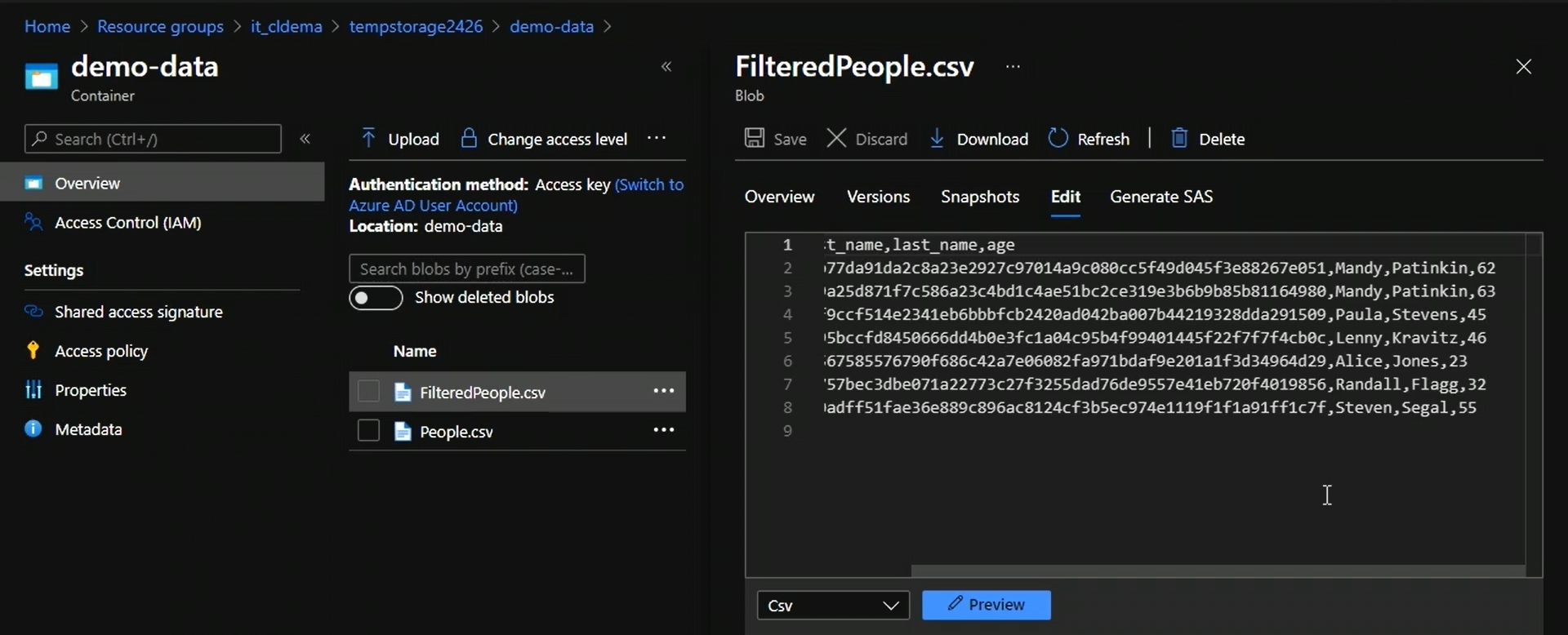
Now, if we check the container, we have a new file.
Done !!!